Tool: Text Tool 📄
The Text Tool loads text from files or direct input to provide context for Ai Agent.
How It Works
- Holds text and passes it to the next node.
- Double-click node to configure:
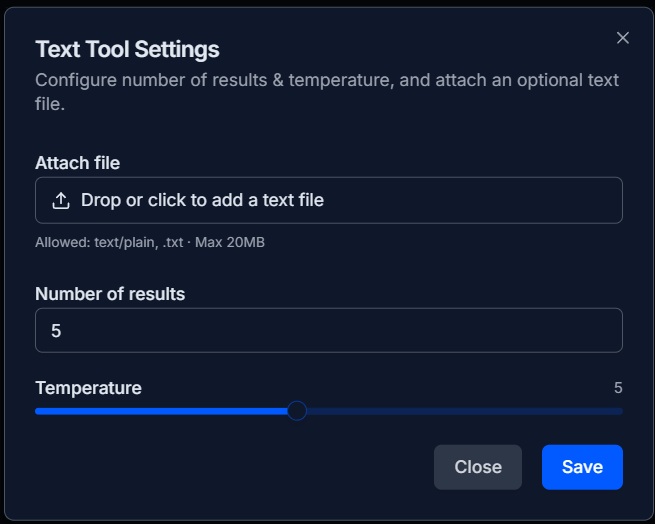
- Attach file (
.txtup to 20MB). - Number of results (e.g., top 5 key points).
- Temperature (focus/creativity).
Setup
- Drag Text Tool onto canvas.
- Attach
.txtfile. - Configure optional settings.
- Connect output to Ai Agent
Toolinput.
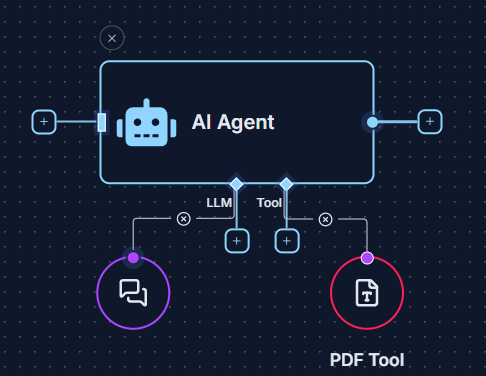
Example 💡
- Load brief (
project_brief.txt) in Text Tool. - Input question via Start Node.
- Connect nodes to Ai Agent.
- Ai Agent answers based on text.