Understanding Key Terminologies
A simple guide to the building blocks of Wingerx
Welcome! This guide explains the basic terms you'll see across Wingerx. We use simple analogies to make everything clear, so you can feel confident as you start building.
Workflow 📜
Analogy: Think of a recipe. It's a series of steps you follow in a specific order to get a final result, like baking a cake.
A Workflow is the entire automated process you build. It's the complete "recipe" that Wingerx will follow from start to finish. You can have workflows for summarizing documents, sorting emails, generating reports, and anything else you can imagine.
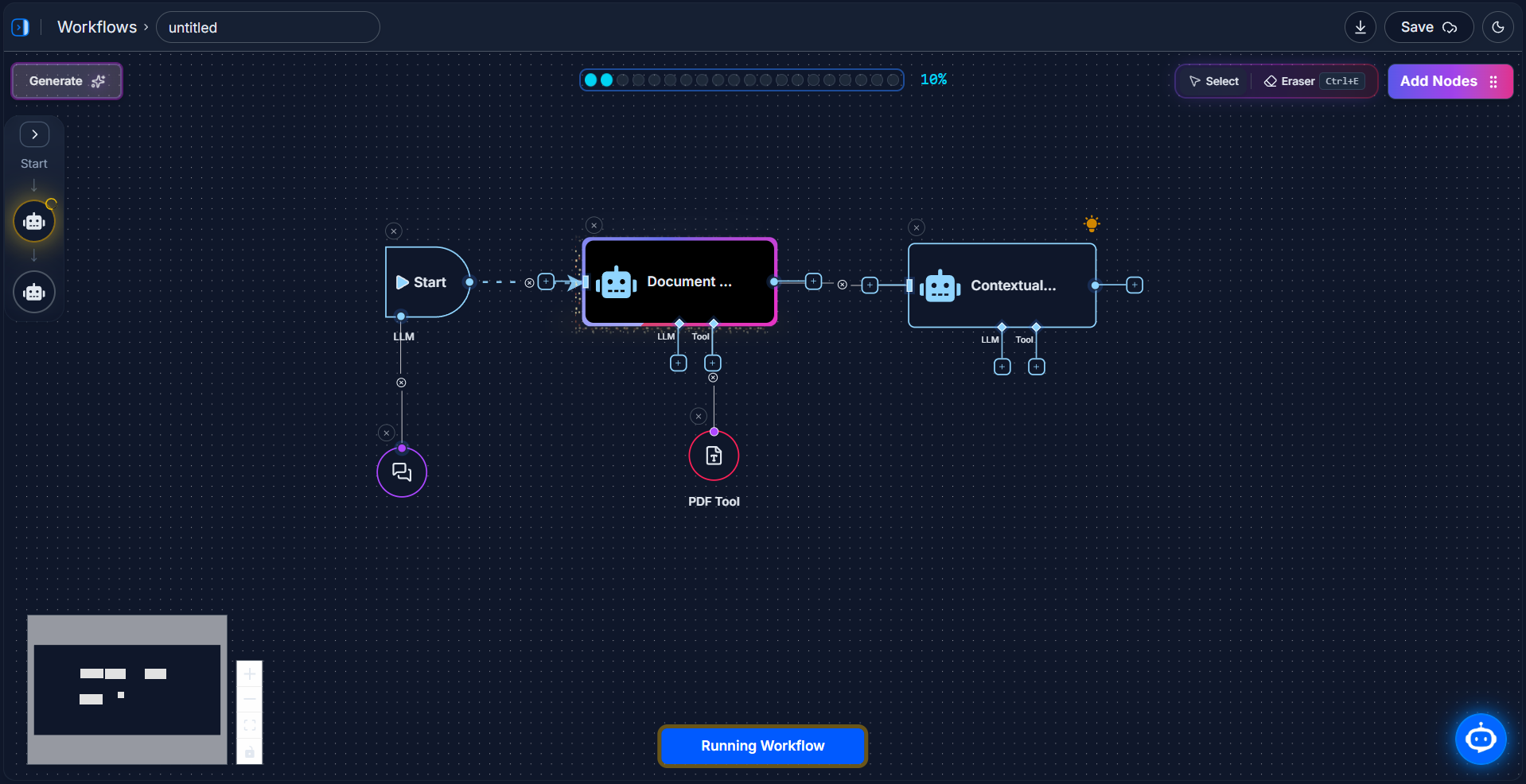
Below is an Illustration of a complete workflow on the canvas, showing how different nodes connect to create a full process.
Canvas 🎨
Analogy: Think of it as your digital whiteboard or workbench.
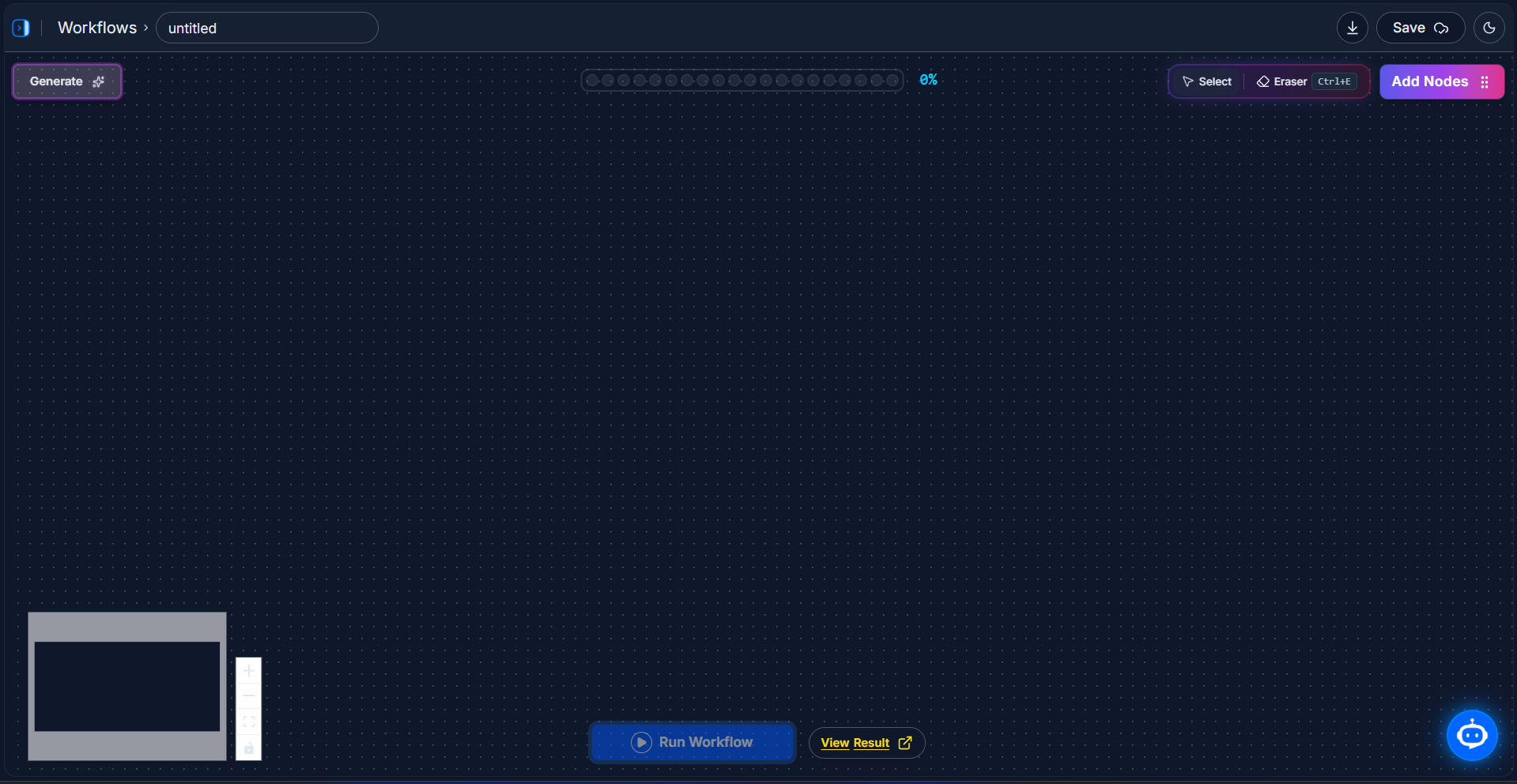
The Canvas is the main, empty workspace where you visually build your workflow. You drag your building blocks (nodes) onto the canvas and draw lines between them to create your automation's flow.
Node 🧱
Analogy: Think of a single LEGO® brick. You connect many different bricks (nodes) to build something amazing.
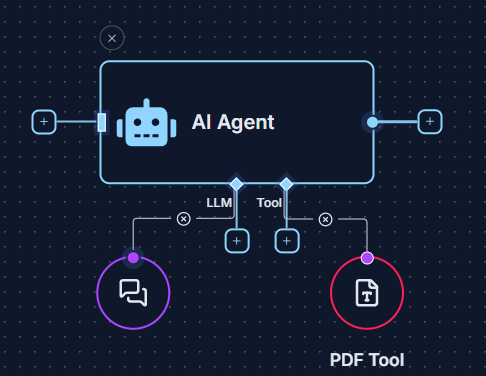
A Node is a single step or action in your workflow. Everything you build in Wingerx is made by connecting different nodes together. Each node has a specific job, and we have three main types.
The Three Types of Nodes
🚦 Utils
Control the logic and flow of your workflow.
Analogy: Think of traffic signals and road signs. They direct the flow of your data.
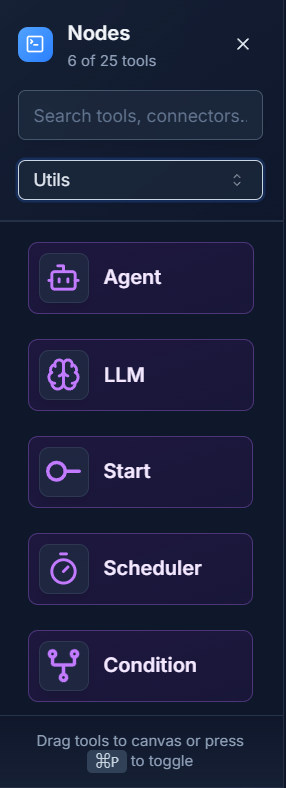
Utils (short for Utilities) are special nodes that manage your workflow. The Start util begins the process, and a Condition util creates a fork in the road, sending data down different paths based on rules you set.
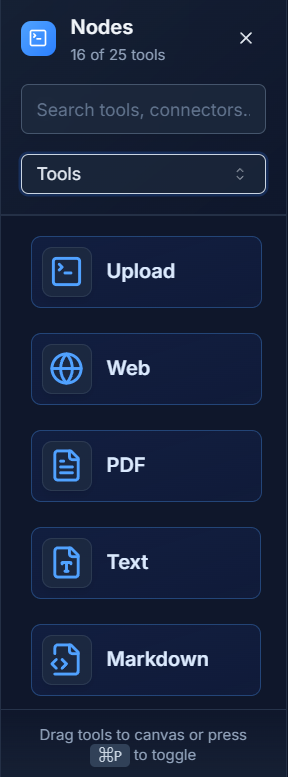
⚙️ Tools
Perform actions like reading files, accessing data, and processing information.
Analogy: Think of kitchen utensils, like a knife or a whisk. You use them to work on your ingredients (your data).
Tools are nodes that perform specific jobs inside your workflow. The PDF Tool lets your workflow read PDF files, and the Web Tool lets it browse websites.
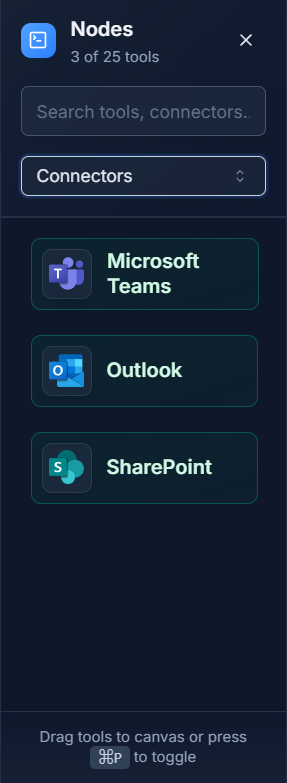
🔌 Connectors
Connect your workflow to external apps and services.
Analogy: Think of your phone. You use it to "connect" to other people and services.
Connectors are the bridge between Wingerx and the other apps you use every day. The Outlook connector can read your emails, and the Microsoft Teams connector can send messages to your colleagues.
Logs 📊
Analogy: Think of logs as the receipt from a store. It lists every item from your transaction so you can check that everything is correct.
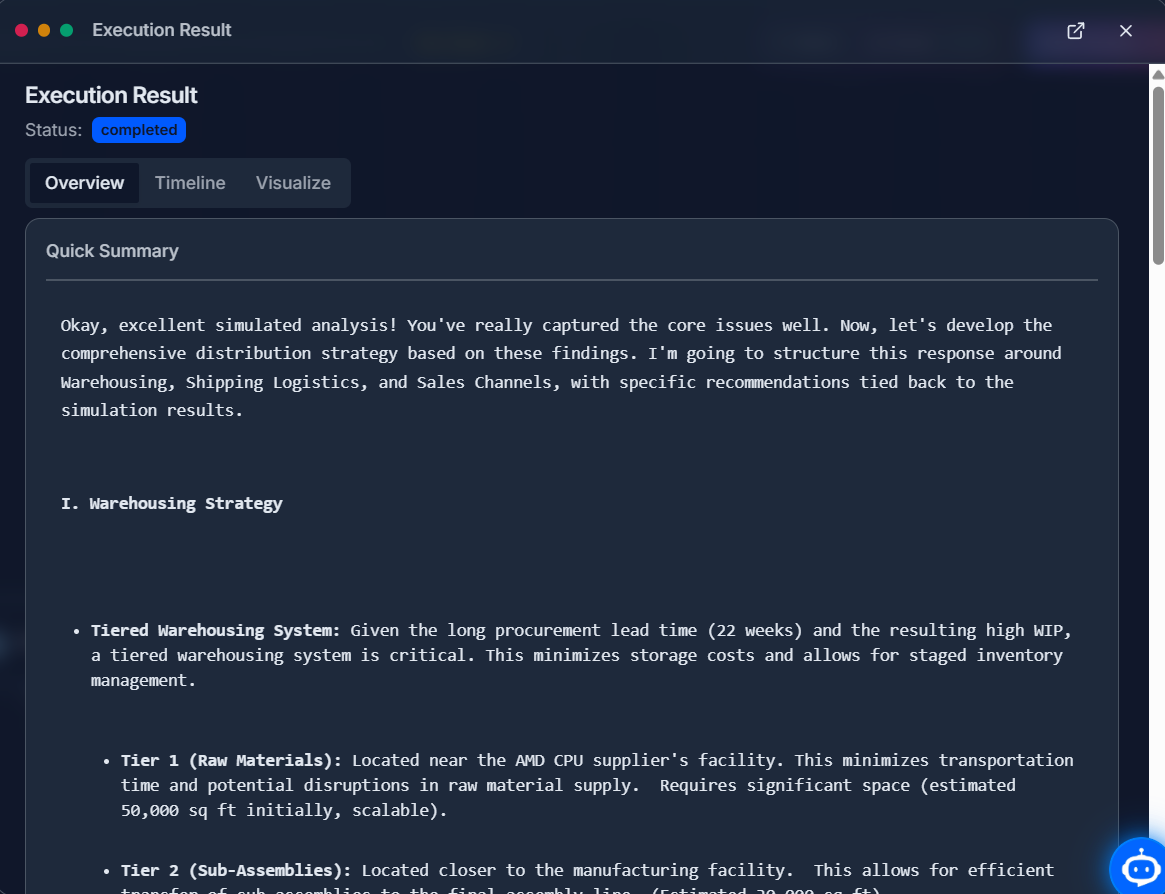
Logs provide a detailed record of what happened each time your workflow ran. After a workflow finishes, you can check the logs to see the output from every single node. This is the best way to check your results and troubleshoot any problems.
Now that you know the basics, you're ready to start building!